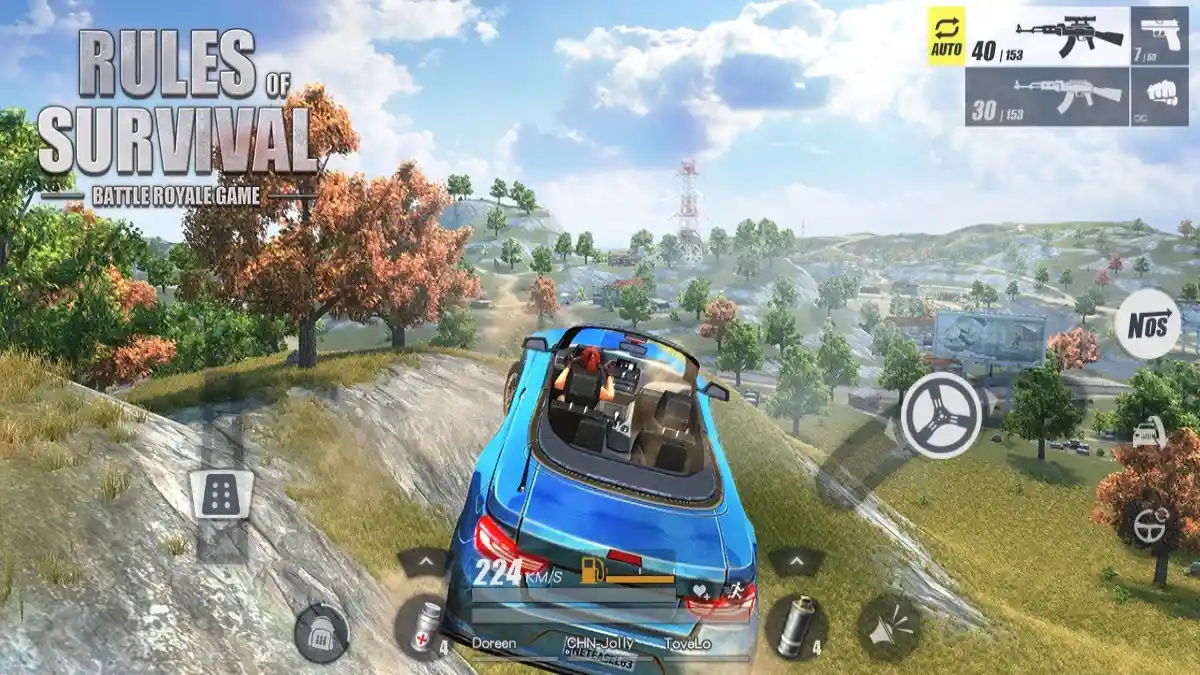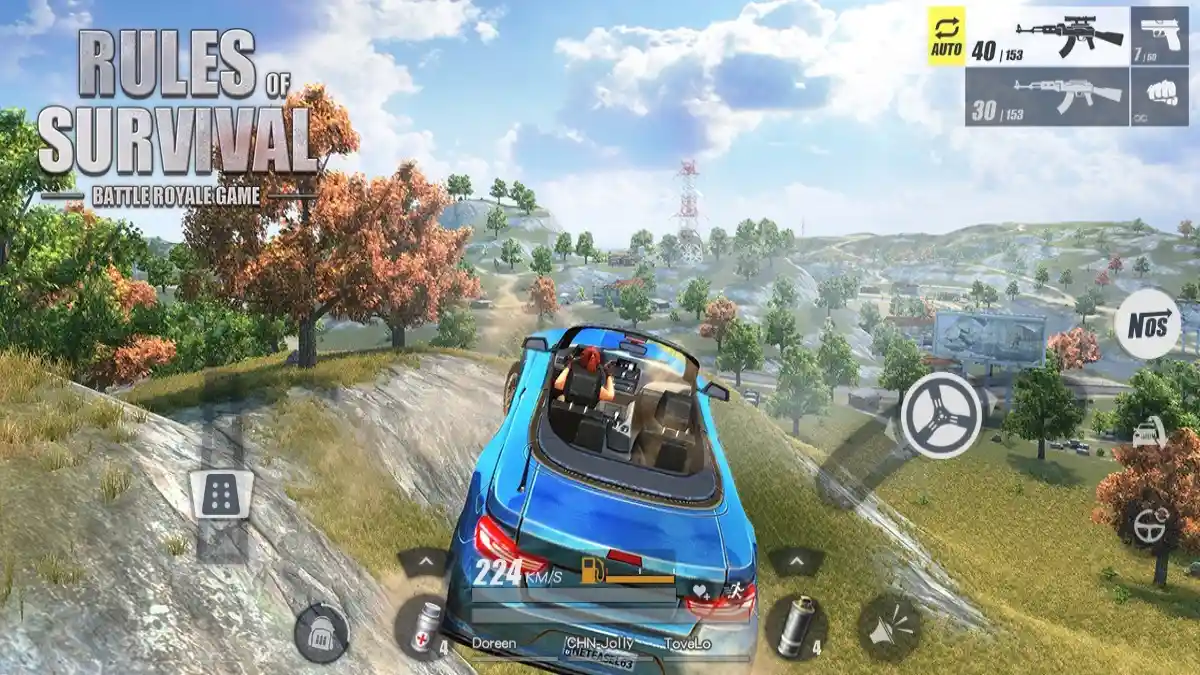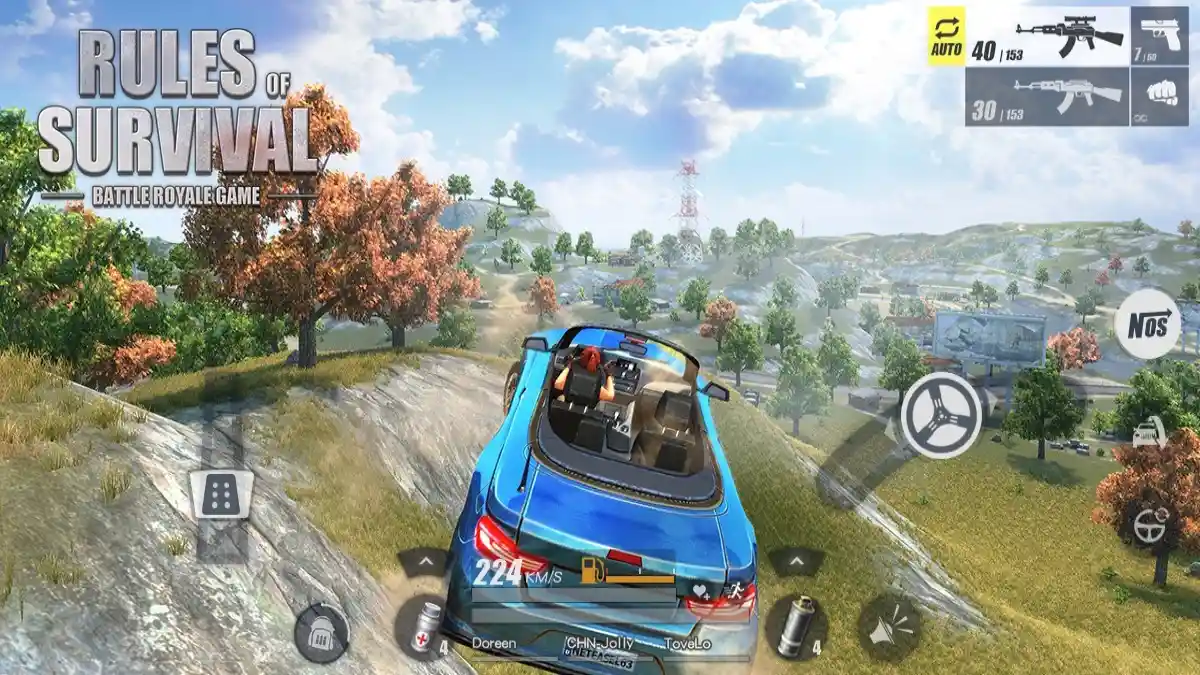
Settings are the one opponent you can defeat before the match starts. The right graphics level, a control layout your thumbs believe in, and audio that reports footsteps clearly are worth more than most loot you will find in the first building.
Copy nothing blindly. A flagship phone and a budget phone need different answers, and your hand size and play style change the rest. Use this guide as a series of decisions, each tested in one match before the next changes.
Everything connects back to the overview in Rules of Survival overview, where the app details and core features are laid out in full.
Graphics for Visibility and Performance
Raise detail only while enemies stay easy to read. Shadows and effects can look impressive while hiding the crouched player your eyes needed to catch, so visibility settings and performance settings are the same conversation on a phone.
Frame stability is the priority to protect. If fights stutter, lower the cosmetic settings first and keep the frame rate option your device can hold through a busy compound fight.
- Visibility before beauty
- Protect frame stability
- Lower cosmetics first
Control Layout and Sensitivity
Place the fire, aim, jump, and crouch buttons where your thumbs land without looking. A button you must search for visually is a button that fires late in every close fight.
Tune sensitivity in small steps over several matches. Looking, aiming, and firing sensitivities serve different moments, and the commonest setup error is making all three equally twitchy.
- Buttons under natural thumb positions
- Small sensitivity steps
- Separate values per action
Audio Settings for Awareness
Footsteps, gunfire direction, and vehicle sounds are gameplay information delivered by ear. Keep effects volume dominant, music low or off during matches, and use headphones whenever the situation allows.
If your device offers spatial or enhanced audio options, test them in a real match. Hearing which side a fight is on, rather than merely that a fight exists, changes rotation decisions constantly. This connects closely with the graphics guide, which covers the neighbouring ground in detail.
- Effects above music
- Headphones for direction
- Test spatial options in matches
Display and Comfort Options
Brightness should let you read shadowed interiors without straining; too low hides enemies, too high drains battery and washes out contrast on cheap screens. Set it for the room you actually play in.
Enable do-not-disturb while playing. A call banner across a gunfight is a settings failure, not bad luck, and it is entirely preventable. You can explore the related side of this in our aim training guide.
- Brightness for your real room
- Do-not-disturb while playing
- Comfort is a performance setting
Building Your Personal Profile
Change one category at a time and play a full match before judging. Feelings immediately after a change are unreliable; a match of evidence is not.
Write your final values down somewhere outside the game. Updates, new phones, and curious friends all reset settings eventually, and a written profile restores your setup in one minute.
- One change, one match
- Judge on evidence
- Record your final values
Putting It Into Practice
A pre-match checklist keeps all of this reliable under pressure. Confirm your settings feel right, your healing is stocked, your squad knows the plan for the first drop, and everyone understands who is calling rotations. Thirty seconds of checklist removes the most common causes of chaotic starts in Rules of Survival.
During the match, protect the plan from adrenaline. Most squads abandon good plans at the first unexpected gunshot, then improvise their way into the exact problems the plan existed to prevent. The plan can change, but it should change by decision, not by panic.
After the match, resist the urge to analyse everything. One lesson, written down or said out loud, survives to the next session. Ten lessons evaporate. Rules of Survival is a long game, and the squads who improve longest are the ones who learn one true thing at a time.
Keeping It Consistent
Put this into practice with a deliberate week of matches. Choose one idea from this guide as the week's theme, state it to your squad before the first drop, and judge every match by how well you executed that theme rather than by placement alone. Rules of Survival rewards this kind of focused practice because its systems are consistent enough that real improvement shows quickly.
Keep the review honest and brief. After each session, name one moment where the theme worked and one where it fell apart. That pair of examples is the whole coaching staff most players need, and it costs two minutes.
Rotate themes weekly instead of chasing everything at once. A month of themed practice covers positioning, communication, looting, and fighting in sequence, and Rules of Survival players who train this way climb with a steadiness that random grinding rarely matches.
Frequently Asked Questions
What is the most important setting in Rules of Survival?
A stable frame rate on graphics your phone can hold through fights, with controls placed where your thumbs naturally rest. Everything else refines that base.
Should I copy a professional player's settings?
Use them as a starting reference only. Device performance, hand size, and play style differ, so test each value in your own matches.
How do I hear footsteps better?
Raise effects volume, lower music, and use headphones. Directional footsteps are information your settings either deliver or hide.
Why do my settings keep resetting?
Updates and device changes can restore defaults. Keep your values written down outside the game so you can restore them in a minute.
Conclusion
The best settings are a personal profile built by testing: visibility-first graphics, honest controls, informative audio, and comfort options that remove distractions before they happen.
Build yours one match at a time and write it down. The next time anything resets, you will be ready again before your first drop.